
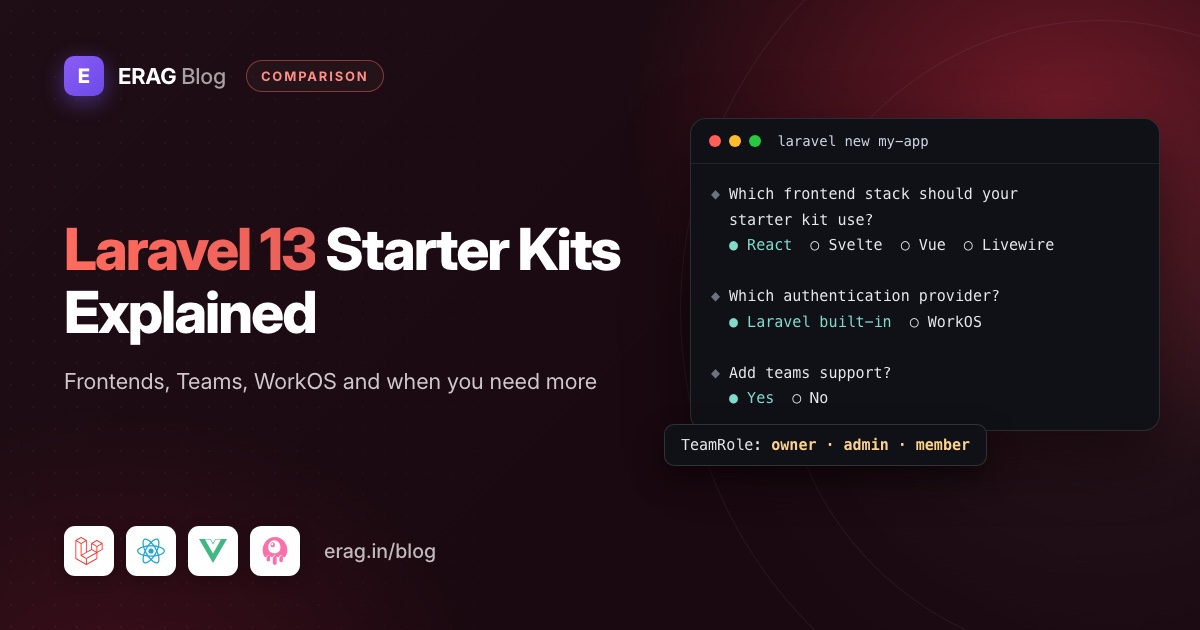
Laravel 13 starter kits are free, MIT-licensed starting points for a new app, in React, Vue or Svelte (all on Inertia 3) or Livewire 4. You install one with laravel new. Each comes with Fortify login, registration, password reset, email verification, two-factor auth, passkeys and settings pages, plus optional Teams or WorkOS sign-in. They stop short of multi-tenant SaaS features.
Five commands get you a running app:
composer global require laravel/installer
laravel new my-app
cd my-app
npm install && npm run build
composer run dev
The app runs at http://localhost:8000, and you can register your first user straight away.
The short version
- Install the Laravel installer and run
laravel new my-app. - Answer yes to "Do you want to use a starter kit?" and pick React, Svelte, Vue or Livewire.
- Choose Laravel's built-in authentication or WorkOS.
- Decide on teams support, then keep or drop email verification, registration, two-factor, passkeys and password confirmation.
- Run
npm install && npm run build, thencomposer run dev. - If many companies will each get a private workspace, plan for tenancy, roles and invitations on top, or start from a SaaS kit.
What are the Laravel 13 starter kits?
The Laravel 13 starter kit docs list four official kits. All of the backend and frontend code is copied into your app, so you can change anything.
| Kit | Frontend stack |
|---|---|
| React | Inertia 3, React 19, TypeScript, Tailwind 4 and shadcn/ui |
| Vue | Inertia 3, Vue 3 Composition API, TypeScript, Tailwind and shadcn-vue |
| Svelte | Inertia 3, Svelte 5, TypeScript, Tailwind and shadcn-svelte |
| Livewire | Livewire 4, Tailwind and Flux UI |
Every kit uses Laravel Fortify for login, logout, registration, password reset, email verification, password confirmation and two-factor codes. You also get profile, security and appearance settings, a sidebar or header layout, three sidebar variants and simple, card or split sign-in pages. The Inertia kits support server-side rendering with npm run build:ssr.
All four are MIT licensed, and the docs say there is no need to update a starter kit after you install it. The code is simply yours.
How do you install a Laravel 13 starter kit?
Run laravel new my-app and answer the prompts. These are the ones that shape your kit:
| Prompt | What it decides |
|---|---|
| "Do you want to use a starter kit?" | Yes installs a kit. No gives you a bare app without auth screens |
| "Which frontend stack should your starter kit use?" | React, Svelte, Vue or Livewire |
| "Which authentication provider do you prefer?" | Laravel's built-in authentication, or WorkOS |
| "Would you like to use single-file Livewire components?" | Livewire only. Yes by default; no gives you class components |
| "Would you like to add teams support to your application?" | Asked with built-in auth. No by default |
| "Which authentication features would you like to enable?" | Email verification, registration, two-factor, passkeys and password confirmation, all on by default |
It also asks about Pest or PHPUnit, Laravel Boost, your database and whether to run the npm build for you.
You can skip the questions with flags. This creates a Vue app with teams and Pest:
laravel new my-app --vue --teams --pestOther useful flags are --react, --svelte, --livewire, --livewire-class-components, --workos and --boost.
React vs Vue vs Livewire vs Svelte: which official kit?
All four kits have the same authentication features, so pick the one your team writes fastest.
| Kit | Pick it if | Keep in mind |
|---|---|---|
| React | Your team writes React, or you plan to hire React developers | A TypeScript and Node build is part of daily work |
| Vue | You like templates close to HTML, and many Laravel developers already know Vue | Same TypeScript and Node build as React |
| Svelte | You want small components with Svelte 5 runes | A smaller hiring pool |
| Livewire | Your team is PHP-first and lives in Blade | Most interactions go to the server, so very client-heavy screens take more care |
saas-laravel.com goes deeper in Vue, React or Svelte for a Laravel SaaS and Livewire vs Inertia.
Passkeys and the WorkOS variant
With built-in auth, passkeys come from Fortify and are switched on by default. Pick WorkOS instead and you get AuthKit: social sign-in with Google, Microsoft, GitHub and Apple, passkeys, email "Magic Auth" and SSO. You need a WorkOS account, which Laravel's docs say is free for up to 1 million monthly active users. You then set WORKOS_CLIENT_ID, WORKOS_API_KEY and WORKOS_REDIRECT_URL in .env.
What does the Teams option in the Laravel 13 starter kits do?
Teams is the newest option in the Laravel 13 kits. Turn it on and each new user gets a personal team at registration. There are screens to create teams, switch between them, invite members and update team details.
The current team's slug goes into the URL, so the dashboard becomes /{current_team}/dashboard and team settings live at settings/teams/{team}. The kits check that the signed-in user belongs to the team in the URL, and they set URL defaults so route('dashboard') includes the current team for you. Team names that would clash with routes, like settings or login, are blocked.
Roles are fixed in code, in app/Enums/TeamRole.php:
enum TeamRole: string
{
    case Owner = 'owner';
    case Admin = 'admin';
    case Member = 'member';
}
Owners can do everything. Admins can update the team and create or cancel invitations. Members get no team permissions. These permissions cover managing the team itself, not your own features.
Why Teams is not multi-tenancy
Teams answer "who belongs to which group". They don't separate data:
- One shared database. You add
team_idto your own tables and scope every query. A forgottenwhereshows one team's rows to another. - No customer domains. The team lives in the URL path, not on its own subdomain.
- No operator side. There is no central admin to create customers, suspend one or put all of them into maintenance.
- No roles your customers define. Owner, Admin and Member are all there is.
For plenty of products that is fine. saas-laravel.com compares the two in Laravel teams vs multi-tenancy.
When is the free Laravel starter kit enough?
Stick with the official kit when:
- One organisation uses the app. An internal tool, a company portal or a client's back office.
- Each user owns their own data. A habit tracker only needs
user_idon your tables. - Small groups share data and
team_idscoping is fine. That is what Teams is for. - You need SSO or social login this week. Take the WorkOS variant.
- You are testing an idea. Ship the smallest thing, then see if anyone pays.
If you go the free route, our guides to blocking disposable emails in the Laravel starter kit and adding translations to the Laravel Vue starter kit cover two common next steps.
What does a multi-tenant SaaS still need?
Selling the same app to many companies changes the problem. Each customer expects a private space, their own staff accounts and control over who can do what. On top of a starter kit, most teams end up building:
- Tenant isolation for every query, cache key, uploaded file and queued job.
- Tenant provisioning: a record, a domain, a database, migrations, seed data and a first admin.
- Two kinds of users: you, the SaaS owner, and your customers' staff, with separate logins.
- Roles and permissions per tenant that routes, buttons and menu items all check.
- Invitations with signed links that expire, a resend button and a set-password page.
- Domains: at least a subdomain per customer, each with its own name and sign-in options.
- Suspension and maintenance for one customer or all of them, without taking your own admin offline.
- Translations. The official Inertia kits write English text straight into their components. The Livewire kit wraps text in
__()but ships English only. - Billing. Neither the official kits nor the SaaS Laravel kits include it.
None of these is hard alone. The work is in making them agree: a permission check that knows which tenant it is in, an invitation link on the right subdomain, a queued email that connects to the right database.
Laravel starter kit vs SaaS starter kit, side by side
| Laravel 13 starter kits | SaaS Laravel kits | |
|---|---|---|
| Price | Free, MIT licence | $49 to $69 per kit, or $139 for all four, paid once |
| Frontends | React, Vue, Svelte, Livewire | The same four |
| Login, 2FA, passkeys | Yes, through Fortify | Yes, through Fortify, with sign-in options per domain |
| Social login and SSO | WorkOS variant | Not included |
| Teams | Optional, with Owner, Admin and Member | No teams feature; each tenant is a workspace |
| Multi-tenancy | Not included | One database per tenant with stancl/tenancy |
| Roles and permissions | Team roles only | spatie/laravel-permission, system and custom roles, extra permissions per user |
| Invitations | Team invitations | User and tenant admin invitations with signed links |
| Domains | Not included | Several subdomains per tenant, each with its own name, language and sign-in options |
| Suspension and maintenance | Not included | Suspend one tenant, or put all tenants into maintenance |
| Menus | Hard-coded in the sidebar | Stored in the database, drag and drop, hidden without permission |
| Translations | English | 17 languages |
| Billing | Not included | Not included |
| SSR | Supported in the Inertia kits | build:ssr script present, client-rendered by default |
| Updates | None needed, the code is yours | Weekly updates you merge from the kit repository |
What do the SaaS Laravel kits add on top?
The SaaS Laravel kits start from Laravel's official starter kits and keep the same folders and conventions. When Laravel improves its kits, those changes come to the SaaS kits too.
On top sits the SaaS layer. The central domain is your admin panel, and every customer lives on a subdomain with its own database:
vue.test         → central app: tenants, domains, maintenance
acme.vue.test    → tenant 1: its own database, users, roles and menus
globex.vue.test  → tenant 2: its own database, users, roles and menus
Permissions are plain config files, one set for the central app and one for tenants. This is the start of config/permissions/tenant/users.php:
return [
    [
        'permission_name' => 'View Tenant Users',
        'associated_roles' => ['Super Admin', 'Admin', 'Manager', 'Employee'],
    ],
];
The seeders create these permissions in the central database and every tenant database. Routes, menu items and buttons all read the same names.
Everything else from the list above is done too, apart from billing. For a full tour, read about the Livewire SaaS starter kit or the Laravel Vue SaaS starter kit.
The trade-offs are real. You inherit a structure you didn't choose, there is more code to learn, and weekly updates can conflict with your changes. Tenants live on subdomains with MySQL recommended, mapping a customer's own domain isn't handled, and there is no social login or SSO.
Frequently asked questions
What is the Laravel 13 starter kit?
It is Laravel's free, official starting point for a new app, in React, Vue, Svelte or Livewire. You pick one with laravel new, and it gives you Fortify authentication, settings pages and an app layout.
How do I install a Laravel 13 starter kit with teams?
Run laravel new my-app and answer yes to the teams question, or pass the flag: laravel new my-app --vue --teams. Swap --vue for --react, --svelte or --livewire.
Which Laravel 13 starter kit should I use?
The one your team already writes. Livewire suits PHP-first teams, Vue suits most Laravel developers, React suits React teams and React hiring, and Svelte suits teams who like Svelte 5.
Are the Laravel starter kits free?
Yes, under the MIT licence. The WorkOS variant needs a WorkOS account, which Laravel's docs say is free up to 1 million monthly active users.
Does the Laravel starter kit include multi-tenancy?
No. It can include teams, which group users in one shared database. Tenant databases, subdomain routing and per-tenant roles are not part of it.
Can I add multi-tenancy to the official kit myself?
Yes. Packages like stancl/tenancy work on top of it. Budget time for guards, queues, file storage, Livewire or Inertia requests and tests, not only the database switch.
Start free, upgrade when tenants show up
Run laravel new for anything with one customer or one user at a time. When your roadmap says "every company gets its own workspace", a SaaS kit saves you the most work.
