
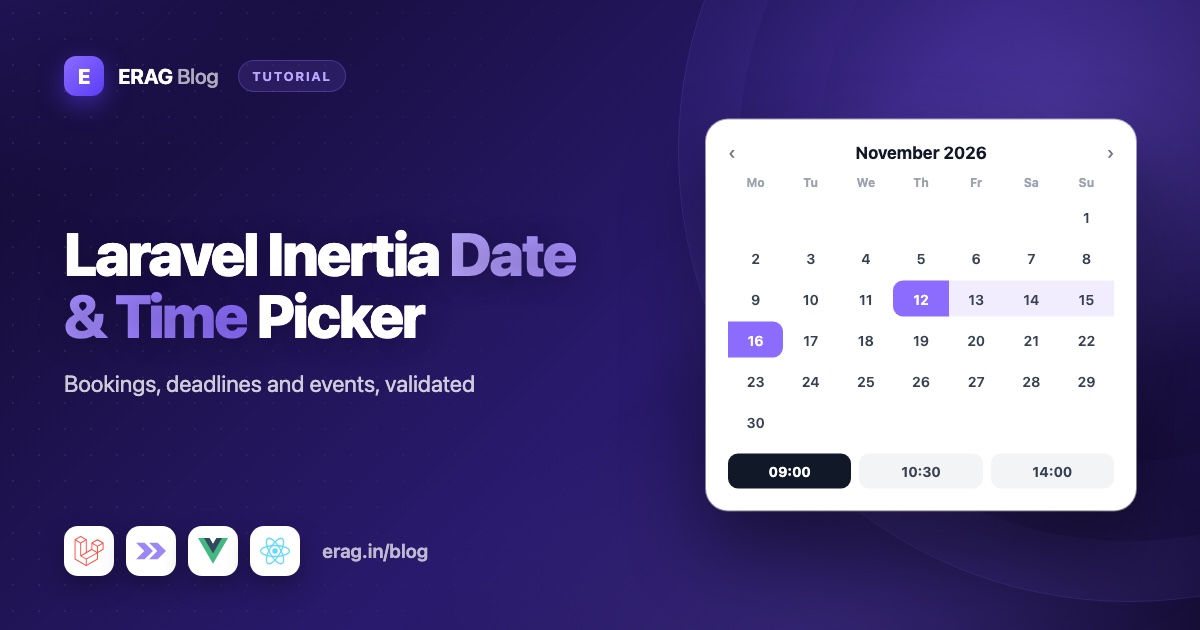
To add a date picker to a Laravel Inertia app, define a DatePicker field in a Laravel Inertia Forms class and render it with one <Form> component in Vue or React. withTime() adds hours and minutes, range() picks a start and an end date, and minDate() and maxDate() disable days in the calendar and add matching Laravel validation rules. For times on their own, there is a TimePicker field.
The calendar is built into the package with Tailwind CSS, so you don't need a separate date library. This guide covers real use cases (birthdays, deadlines, events, bookings and opening hours), the value Laravel receives, validation, storage, time zones and edit forms.
The short version
- Install the package:
composer require erag/inertia-forms, thennpm install @erag/inertia-forms-vueor@erag/inertia-forms-react. - Use
DatePicker::make('due_on')for a date, add->withTime()for a date and time, or->range()for a start and end. - Use
TimePicker::make('opens_at')for a time of day. - Limit choices with
minDate()/maxDate()andminTime()/maxTime(). Each limit also adds a server-side rule. - Add
->rule('after:starts_at')when one field must come after another. - Add
dateordatetimecasts to your model, store times in UTC and bind the model when editing.
Install Laravel Inertia Forms
The package supports Laravel 13 and Inertia 3, with Tailwind CSS 4:
composer require erag/inertia-forms
php artisan erag:install-inertia-forms
npm install @erag/inertia-forms-vue   # or @erag/inertia-forms-react
Tailwind only builds the classes it can see, so point it at the package in resources/css/app.css:
@import 'tailwindcss';
@source "../../node_modules/@erag/inertia-forms-vue/dist";
Your page then renders the form that your controller passes in:
<script setup lang="ts">
import { Form, type FormSchema } from '@erag/inertia-forms-vue';

defineProps<{ form: FormSchema }>();
</script>

<template>
    <Form :form="form" />
</template>
In React, import Form from @erag/inertia-forms-react and return <Form form={form} />. Everything else in this guide happens in PHP.
Which picker should you use?
| Use case | Field | Value Laravel receives |
|---|---|---|
| Birthday, due date | DatePicker::make('due_on') | 2026-11-03 |
| Meeting, event start | DatePicker::make('starts_at')->withTime() | 2026-11-03T14:30 |
| Hotel stay, report period | DatePicker::make('stay')->range() | ['start' => '2026-12-20', 'end' => '2026-12-24'] |
| Opening hours, reminder | TimePicker::make('opens_at') | 09:00 |
| Race start, lap time | TimePicker::make('start_time')->withSeconds() | 07:15:30 |
An empty date or time arrives as '', and an empty range as ['start' => '', 'end' => '']. The field shows the date in a readable form, such as "Sep 27, 2026", but the value stays in the formats above.
How to add a date picker for birthdays and deadlines
use Erag\InertiaForms\Fields\DatePicker;

DatePicker::make('birthday')
    ->label('Date of birth')
    ->minDate('1920-01-01')
    ->maxDate(today()->subYears(18))
    ->help('You must be at least 18.')
    ->required(),

DatePicker::make('due_on')
    ->label('Deadline')
    ->minDate(today())
    ->firstDayOfWeek(1)
    ->clearable(),
Days outside minDate() and maxDate() are disabled, and today is outlined. firstDayOfWeek(1) starts the weeks on Monday (the default, 0, is Sunday). months(2) shows two months side by side. clearable() adds a small × button, and the calendar footer always has Today and Clear buttons.
The calendar works from the keyboard too: arrow keys move by day or week, Page Up and Page Down move by month, Enter picks a day and Escape closes it.
How to pick a date and time for events
withTime() adds hour and minute columns next to the calendar, in 5-minute steps. Here is an event form where the end has to come after the start:
<?php

namespace App\Forms;

use Erag\InertiaForms\Fields\DatePicker;
use Erag\InertiaForms\Fields\Fieldset;
use Erag\InertiaForms\Fields\Submit;
use Erag\InertiaForms\Fields\TextInput;
use Erag\InertiaForms\Form;

class EventForm extends Form
{
    protected ?string $actionRoute = 'events.store';

    public function fields(): array
    {
        $editing = $this->getModel() !== null;

        return [
            TextInput::make('title')->required()->maxLength(120),
            Fieldset::make('When')->columns(2)->fields([
                DatePicker::make('starts_at')
                    ->withTime()
                    ->minDate($editing ? null : now())
                    ->required(),
                DatePicker::make('ends_at')
                    ->withTime()
                    ->required()
                    ->rule('after:starts_at'),
            ]),
            Submit::make($editing ? 'Save changes' : 'Create event'),
        ];
    }

    public function messages(): array
    {
        return [
            'ends_at.after' => 'The event has to end after it starts.',
        ];
    }
}
Two details matter here. minDate(now()) only applies to new events, so editing an event that has already started doesn't fail validation. And because now() is a Carbon instance, the limit includes the time, not just the day.
The controller validates the request with the same class:
use App\Forms\EventForm;
use App\Models\Event;
use Erag\InertiaForms\Attributes\Validate;
use Illuminate\Http\RedirectResponse;

public function store(#[Validate] EventForm $form): RedirectResponse
{
    Event::create($form->validated());

    return to_route('events.index');
}
If validation fails, Laravel redirects back and <Form> shows each message under its field.
How to validate dates in Laravel
Every DatePicker gets Laravel's date rule, and every TimePicker gets date_format:H:i (or H:i:s with seconds). Limits add more rules, and you can add your own with rule() or rules(). These are the Laravel date rules you'll use most:
| Rule | What it checks | Example |
|---|---|---|
date | The value is a valid date | added automatically |
date_format:H:i | The value matches an exact format | added to time pickers |
after_or_equal:2026-01-01 | On or after a date | added by minDate() |
before_or_equal:2026-12-31 | On or before a date | added by maxDate() |
after:starts_at | Strictly after another field | end after start |
before:today | Strictly before a date | a past date only |
after and before accept a date or the name of another field. Use after when the end must be later than the start, and after_or_equal when both can be the same.
Time pickers work the same way. For opening hours, TimePicker::make('closes_at')->rule('after:opens_at') stops a shop from closing before it opens.
To see exactly which rules a form generates, call EventForm::make()->rules().
How to pick a date range for bookings
range() turns one field into a start and an end, shown over two months. The first click sets the start, the second sets the end, and clicking an earlier day swaps them.
DatePicker::make('stay')
    ->label('Check-in and check-out')
    ->range()
    ->firstDayOfWeek(1)
    ->minDate(today())
    ->required()
    ->rule(function (string $attribute, mixed $value, \Closure $fail) {
        if (($value['start'] ?? '') !== '' && $value['start'] === ($value['end'] ?? '')) {
            $fail('Please book at least one night.');
        }
    }),
The package already validates both ends as dates, applies the limits to each, and adds after_or_equal:stay.start to the end, so the end can never be before the start. A same-day range is allowed by default, which is why the hotel example adds a closure rule. The rule goes on the stay field itself, whose value is the array with both dates.
Save each end in its own column:
Booking::create([
    'check_in' => $form->validated('stay.start'),
    'check_out' => $form->validated('stay.end'),
]);
How to store dates with Eloquent casts
Use date columns for plain dates, dateTime columns for date and time, and time columns for times:
$table->date('birthday');
$table->dateTime('starts_at');
$table->time('opens_at');
Then cast the date columns on your model:
use Illuminate\Database\Eloquent\Attributes\Fillable;
use Illuminate\Database\Eloquent\Model;

#[Fillable(['title', 'starts_at', 'ends_at'])]
class Event extends Model
{
    protected function casts(): array
    {
        return [
            'starts_at' => 'datetime',
            'ends_at' => 'datetime',
        ];
    }
}
Eloquent reads a value like 2026-11-03T14:30 into a Carbon instance and saves it as 2026-11-03 14:30:00. The cast also matters on the way back. When you bind a model, the picker formats Carbon values for you, but a raw string from the database is passed through unchanged and won't fit the picker's format.
Time zones in plain words
A time zone question hides inside every date-time field. When a user in Mumbai picks 14:30, they mean 14:30 in Mumbai. The picker sends 2026-11-03T14:30 with no time zone attached.
The simple rule is store UTC, show local:
- Keep
'timezone' => 'UTC'inconfig/app.php, which is Laravel's default. Laravel and Carbon then work in UTC. - When a user picks a time, read it in their time zone and convert it to UTC before saving.
- When you show or edit a time, convert it back to their time zone.
If you store each user's zone, for example in a timezone column such as Asia/Kolkata, Carbon does both conversions:
use Illuminate\Support\Carbon;

$timezone = $request->user()->timezone;

$event->starts_at = Carbon::parse($form->validated('starts_at'), $timezone)->utc();
Pass now($timezone) to minDate() as well, so "no past times" matches the user's own clock.
Plain dates are simpler. A birthday or a due date is the same day everywhere, so store it in a date column and don't convert it. If all your users are in one place, such as a single clinic or office, you can skip the conversion and store what they pick. Just be consistent.
How to pre-fill dates when editing
Bind the model and the form fills itself:
public function edit(Event $event): Response
{
    return Inertia::render('Events/Edit', [
        'form' => EventForm::make()->route('events.update', $event)->bind($event),
    ]);
}

public function update(Request $request, Event $event): RedirectResponse
{
    $event->update(EventForm::make()->bind($event)->validate($request));

    return to_route('events.index');
}
With the datetime cast, starts_at arrives as Carbon and becomes 2026-11-03T14:30 in the picker. The update uses bind()->validate() instead of #[Validate] because the attribute creates a fresh form with no bound model, and EventForm needs the model to know it's editing.
If you convert time zones, bind an array with converted copies instead, such as $event->starts_at->copy()->setTimezone($timezone). For a range, bind a two-item list: ['stay' => [$booking->check_in, $booking->check_out]]. A time column often comes back as a string like 09:00:00, so wrap it in Carbon::parse() and the time picker shows 09:00.
Common problems and fixes
The calendar looks unstyled. The Tailwind @source line is missing or points to the wrong folder. Fix it and restart npm run dev.
The edit form shows an empty date. Add a date or datetime cast. Without it, the raw database string doesn't match the picker's format.
Editing an old record fails validation. A minDate(now()) limit also applies when editing. Only set it for new records, as EventForm does.
Saved times are a few hours off. That's a time zone mismatch. Convert to UTC when saving and back when showing.
A booking can start and end on the same day. Ranges allow that by default. Add a rule like the one-night check above.
The server accepts times outside your minute step. minuteStep() only shapes the picker. Add your own rule if the server must enforce it.
Frequently asked questions
How do I add a date picker in Laravel Inertia?
Install erag/inertia-forms, add DatePicker::make('your_field') to a form class and render the form with <Form> in Vue or React. The calendar, validation rules and error messages come with it.
What date format does the picker send to Laravel?
A date arrives as Y-m-d, a date and time as Y-m-d\TH:i (for example 2026-11-03T14:30), a range as an array with start and end, and a time as H:i. Empty fields send an empty string.
How do I check that an end date is after a start date in Laravel?
Add ->rule('after:starts_at') to the end field, or after_or_equal if both can be equal. With range(), the package already adds after_or_equal for the end.
Can I disable past dates?
Yes. ->minDate(today()) disables every earlier day and adds an after_or_equal rule. With withTime(), use now() so the current time counts too.
Can I disable weekends or holidays?
The date picker's documented limits are minDate() and maxDate(), with no option for single days. Add a closure rule with rule() that rejects those dates on the server, and mention it in the field's help() text.
Does the date picker work with React?
Yes. The PHP form class is the same, and you render it with Form from @erag/inertia-forms-react. There is a Svelte package too.
Get started
composer require erag/inertia-forms
php artisan erag:install-inertia-forms
npm install @erag/inertia-forms-vue
Read the Date Picker, Time Picker and Validation docs, or browse the source on GitHub. New to the package? Start with build Inertia forms from a single PHP class. For longer flows like booking steps, see multi-step form wizards in Laravel Inertia.
